The first nights with a Bluetooth sleep mask feel new: you pick a playlist, find the right volume and enjoy the darkness. A few months later, it has simply become part of your bedtime, which is exactly the goal. That is also the moment small things start to drift: the fabric needs a wash more often than you remember, a new phone needs pairing, your audio routine feels stale. This guide is for people who already use their mask and want it to keep working as well as it did in week one.
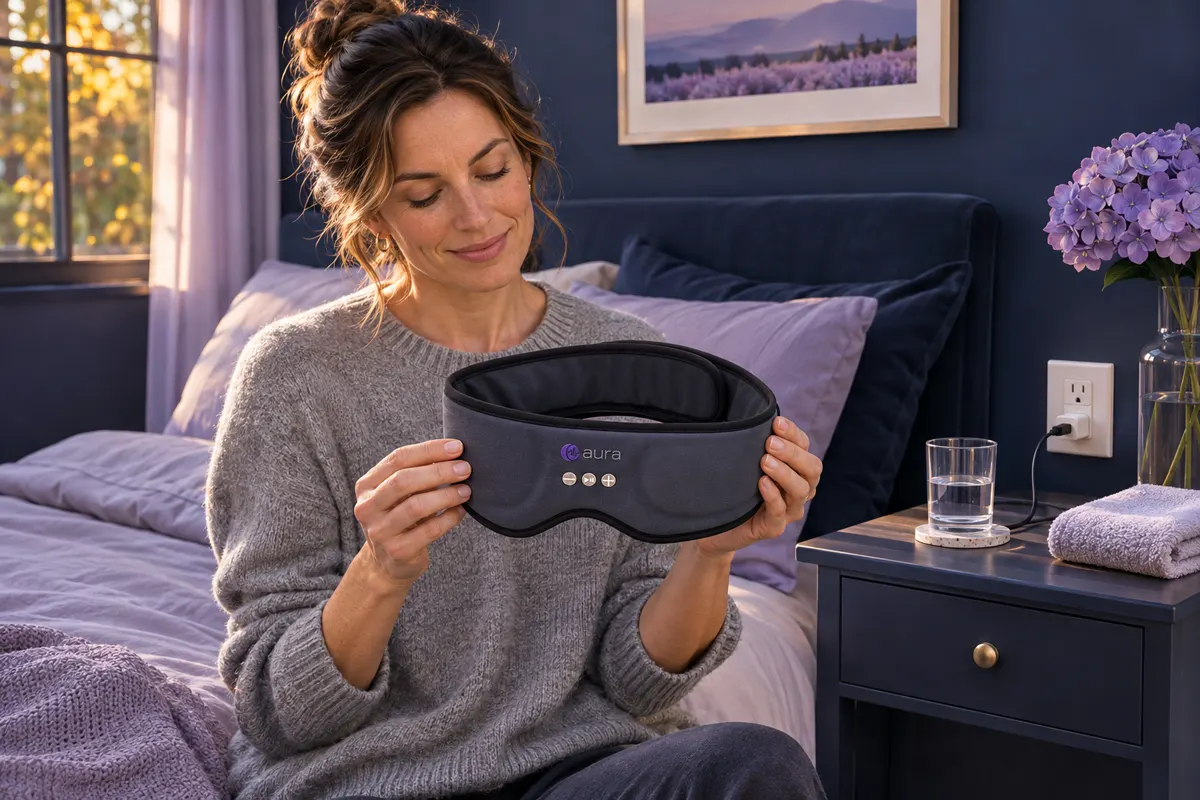
Quick answer
After the first couple of months, a Bluetooth sleep mask needs three simple habits: a regular hand-wash of the fabric with the electronics removed, sensible battery care, and a quick settings check every month or so. Re-pair it when you change phones, revisit your volume and sleep timer, refresh what you listen to, and check the speakers still sit right over your ears. Most issues people notice after a few months, like a tired-feeling fabric, shorter sessions or a fiddly connection, are fixed in minutes. If something does not work as it should, the AURA mask is covered by a 1-year warranty.
Why month three is a good time for a check-up
Any nightly habit goes through the same curve. In the first weeks you pay attention to every detail. After that, it runs on autopilot, which is great for sleep but means nobody is watching the small stuff. With a mask you wear for hours every night, against your skin and hair, a few things change over time:
- The fabric collects skin oils and sweat, even when it does not look dirty.
- Your phone, apps and settings change, from operating system updates to a brand-new phone.
- Your needs change with the season: longer, darker winter nights, a partner who now snores, a new work schedule, holiday travel.
A five-minute check-up every month or so keeps the mask comfortable and keeps the routine working for you, not just running out of habit.
Cleaning: a rhythm that actually sticks
The good news with the AURA mask is that the electronics slide out, so the fabric itself can be hand-washed. The challenge after a few months is not knowing how, it is remembering to do it. Here is a rhythm that works for most people:
| How often | What to do | Why |
|---|---|---|
| Every morning | Lay the mask flat or hang it to air out, instead of leaving it crumpled under the pillow | Lets moisture evaporate and keeps the 3D shell in shape |
| Every 1 to 2 weeks | Slide out the speakers and control module, hand-wash the fabric in cool water with a little mild soap, air-dry completely | Keeps the fabric fresh and kind to your skin |
| Weekly in summer or if you sweat at night | Same wash, a bit more often | Sweat and skin oils build up faster in warm weather |
| Once a month | Wipe the speakers and control module gently with a dry or barely damp cloth; check the charging port is clean and dry | Moisture or lint near contacts is the enemy of electronics |
Two golden rules: never put the electronics in water, and only put them back once the fabric is completely dry. Skip the dryer, bleach and fabric softener. A simple trick to make it automatic: tie the wash to something you already do, like changing your bed sheets.
Battery care that keeps nights uninterrupted
The AURA mask runs up to 10 hours on a charge, which covers a full night. To keep it that way over the months:
- Charge during the day, not right before bed, so you never start a night on a low battery.
- Use the built-in sleep timer. If audio shuts off 1 to 2 hours after you fall asleep, the battery is not playing to an empty room all night, and charges go further.
- Only charge when it is dry, never straight after a wash or with a sweaty module.
- Avoid heat: no charging on a hot windowsill, radiator or in a hot car. Heat is hard on any small rechargeable battery.
- Going away without it? Store it partly charged in a cool drawer rather than completely empty.
If you notice the mask suddenly lasting much shorter than usual even when fully charged, try a full charge with a different USB adapter and cable first. If that does not help, it is a warranty question for the official store.
New phone, new app, fiddly connection: re-pairing
Many people change phones, update their operating system or switch sleep apps at some point in the first year. If the mask does not connect the way it used to:
- Open your phone's Bluetooth settings and forget the old mask entry.
- Put the mask back into pairing mode as described in its instructions and pair it again as a new device.
- Make sure the mask is not still connected to another device in the house, like a tablet or an old phone. A mask can only stream from one source at a time.
- Keep the phone on your nightstand rather than across the room; the shorter the distance, the more stable the stream.
The AURA mask uses Bluetooth 5.4, which normally reconnects within seconds once it is paired correctly. For a refresher on what the spec sheet means, see Bluetooth sleep mask specs explained.
The settings worth revisiting every month
- Volume: over time many people creep the volume up without noticing. Bring it back to the lowest level that still masks the noise around you; quiet sound is better for your ears and your sleep. Our guide on sleeping safely with Bluetooth audio explains why.
- Sleep timer: if you fall asleep faster now than in week one, a shorter timer may be all you need.
- Speaker position: the speakers slide inside the band. Check they still sit right over your ears, especially if you changed pillows or sleeping position.
- Fit: adjust the strap so the mask stays put without pressing. Too tight is a common reason people start waking up with the mask off.
Refresh what you listen to
The same rain track for 90 nights can lose its calming effect. A small refresh can bring the routine back to life:
- Rotate sound types: try pink or brown noise instead of white noise for a softer, deeper texture (see white vs. pink vs. brown noise).
- Switch to a slow audiobook or a sleep story on nights when your mind is busy.
- Keep a short wind-down playlist for naps or for the first 20 minutes in bed, and a longer masking track for noisy nights.
- Download your favorites so you are not depending on Wi-Fi or mobile data at night, which also helps when you travel.
When life changes: adjust the routine
- Holiday travel and hotel nights: pack it in a pouch in your carry-on with its cable; it is one of the best tools against the first-night effect described in why you can't sleep in a new place.
- New shift pattern: darkness during daytime sleep becomes even more important; see our night-shift routine.
- A partner who snores more in winter: combine the mask with steady masking sound rather than turning the volume up.
- Want to wash it more often? Some people keep a second mask, so one is always clean and dry while the other is in the wash. It is also why couples often choose the 2-pack.
When to contact the official store
Most things are fixed with a wash, a fresh charge or a re-pair. Contact the official store's support if a speaker stops working, the mask will not charge with different cables, the buttons stop responding or a seam comes loose with normal use. The AURA mask comes with a 1-year warranty, so keep your order confirmation email somewhere easy to find. And if you ever notice skin irritation, stop using it and let your skin recover; if sleep problems persist despite a good routine, talk to your doctor.
Our recommendation: the AURA Bluetooth Sleep Mask
Whether you are thinking about a second mask for rotation, one for your partner or getting your first, the AURA Bluetooth Sleep Mask is the one we recommend. It was built for exactly the long-term use this guide describes: comfortable every night, easy to keep clean and simple to live with.
- Easy to keep fresh: the speakers and control module slide out so the fabric can be hand-washed.
- All-night battery plus timer: up to 10 hours per charge and a built-in 1 to 2 hour auto-shutoff.
- Comfortable for side sleepers: ultra-thin speakers slide inside the band to sit exactly over the ears; about 24 grams with a 3D blackout shell that leaves the eyelids free.
- Reliable connection: Bluetooth 5.4 with front buttons for volume and pause.
- Protected for the long run: a 90-day money-back guarantee plus a 1-year warranty, shipped from a US warehouse.
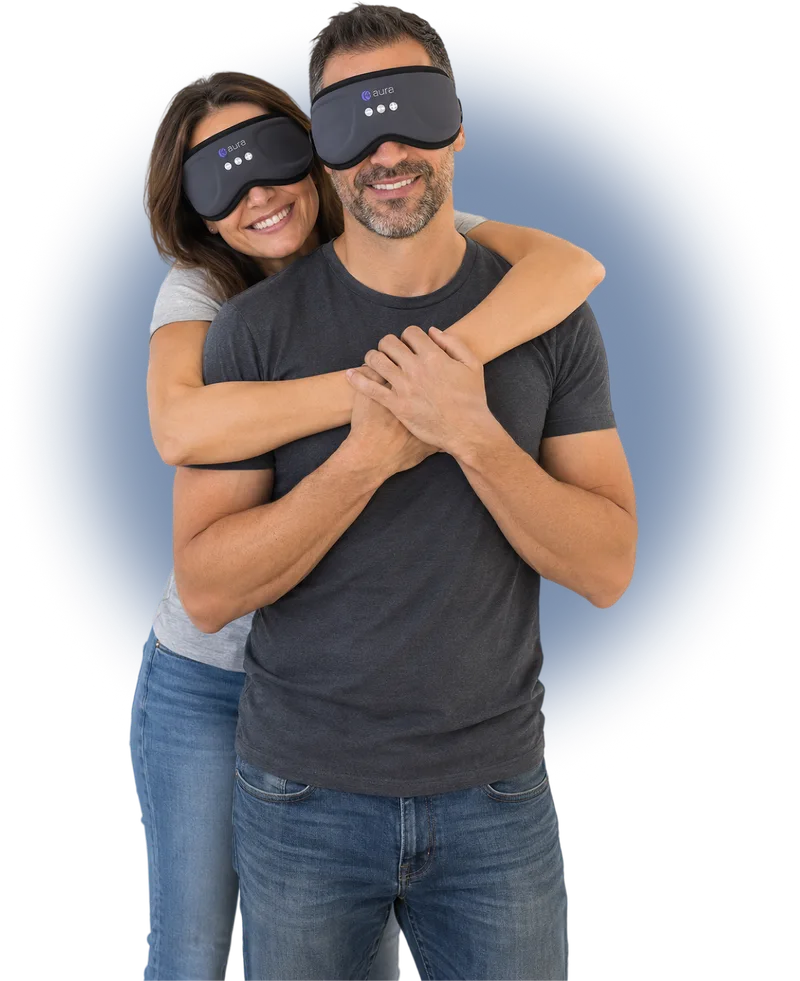
It is rated 4.8/5 across more than 17,000 verified customer reviews on the official store. With promo code SLEEP26 (50% off), a single mask is $59.99, a 2-pack is $53.99 per mask and a 3-pack is $47.99 per mask. For the packs side by side, see the AURA overview page, or read our full AURA review.
Frequently asked questions
How often should I wash a Bluetooth sleep mask?
Every one to two weeks is a good rhythm, weekly in summer or if you sweat at night. On the AURA mask, slide out the speakers and control module first, hand-wash the fabric in cool water with mild soap and let it air-dry completely before putting the electronics back.
Why does my sleep mask battery seem to last less than before?
Check the basics first: charge it fully during the day, use the sleep timer so audio stops after you fall asleep, and try a different USB adapter and cable. Keep it away from heat. If a full charge still lasts far less than usual, contact the official store about the 1-year warranty.
My mask won't connect to my new phone. What should I do?
Forget the old mask entry in your phone's Bluetooth settings, put the mask back into pairing mode and pair it as a new device. Make sure it is not still connected to another phone or tablet, and keep your phone close to the bed.
Is it okay to sleep with the volume a bit louder now?
Try to keep it at the lowest level that still masks the noise around you. Volume tends to creep up over time; quiet sound combined with a sleep timer is better for your ears and your sleep.
Should I buy a second sleep mask?
It is not necessary, but many people like having two so one is always clean and dry while the other is being washed, or so a partner has their own. The 2-pack exists for exactly that reason.